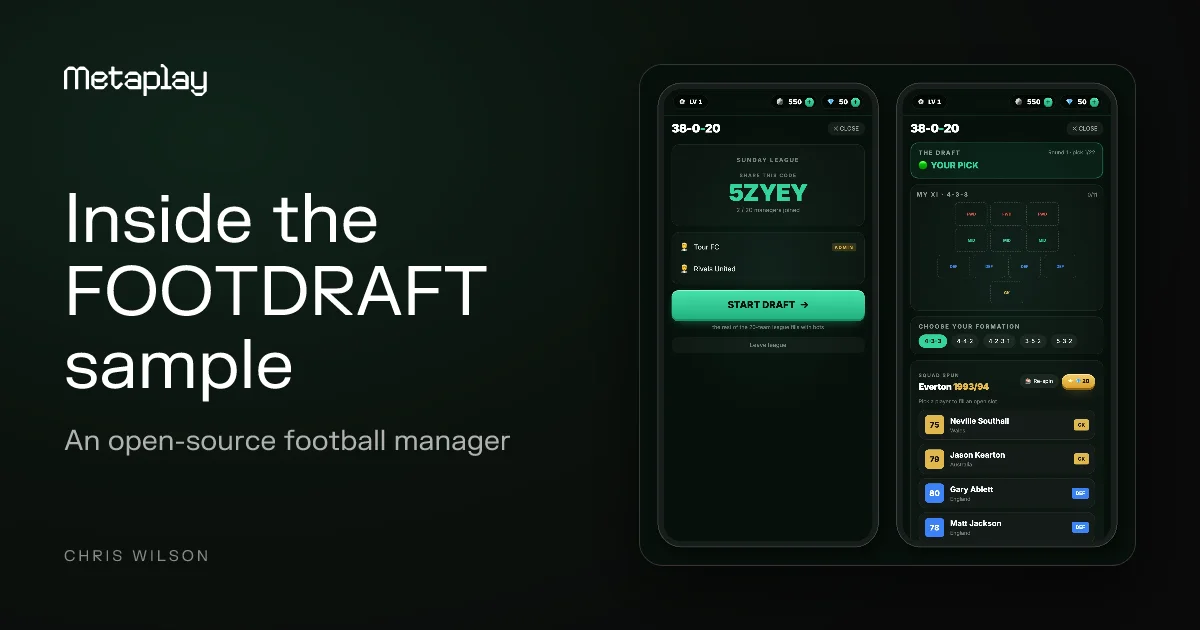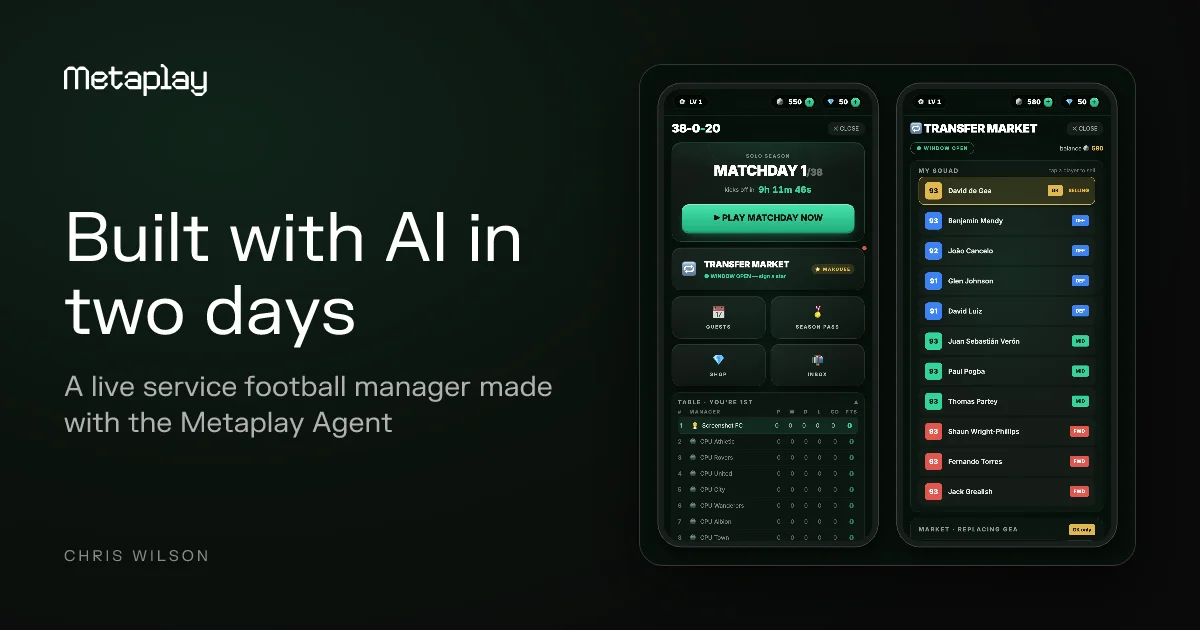
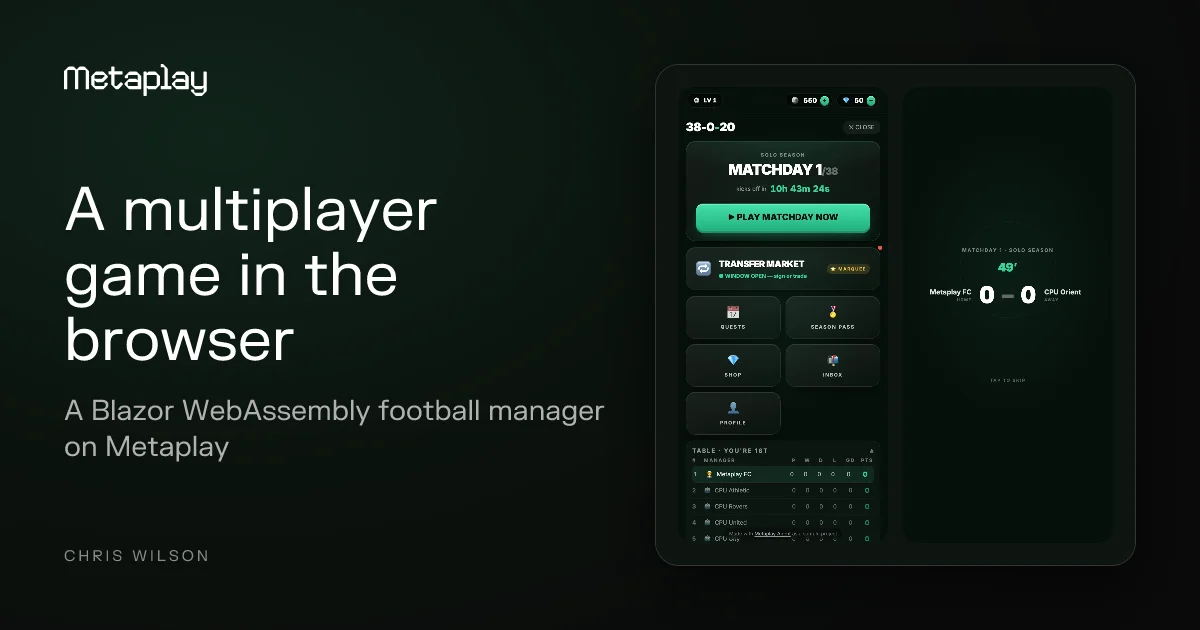

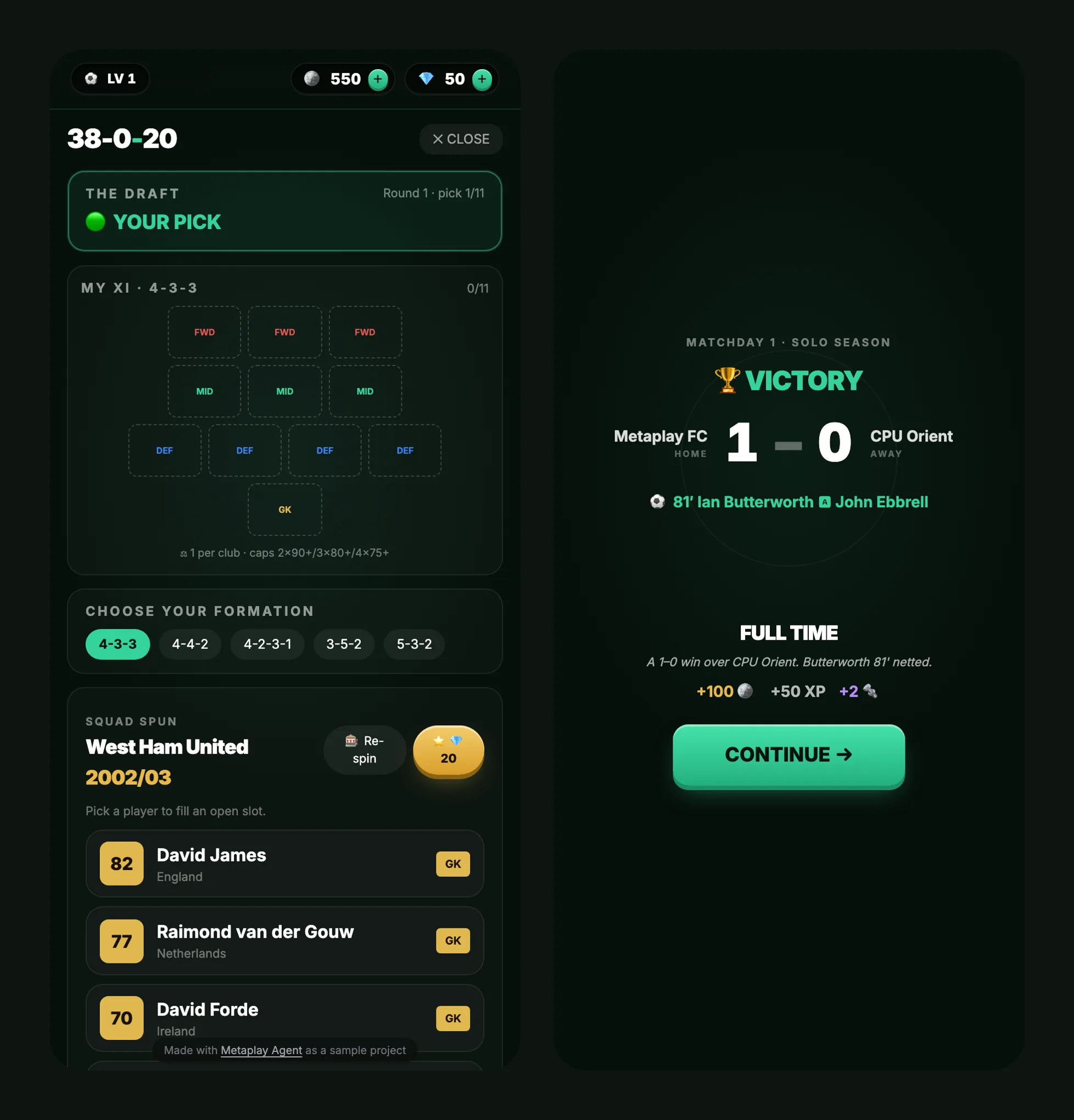
Players open a link and join a 20-team league with nothing to install. FOOTDRAFT's Blazor WebAssembly client runs the same C# game logic as its server.
FOOTDRAFT is a multiplayer football manager that runs entirely in the browser. Its client is a Blazor WebAssembly app: the Metaplay game client, the game state and the actions all execute in the browser and talk to the game server over a WebSocket. We built it on the Metaplay SDK, and a player gets from a link to a live 20-team league with nothing to install.
You can play it now and read the client code in WebClient/ at metaplay-shared/footdraft. This post covers how the Blazor WebAssembly client is put together and what it takes to run a multiplayer game this way.
What a football manager needs from a Blazor WebAssembly client
A football manager is a good fit for the browser because of its rhythm:
- The season moves one simulated matchday per day, so a manager's visit is short: open a link, see the latest result and standings, make a move. The client has to load quickly from a link far more than it has to stay connected for hours.
- Decisions are turn-based. Drafting a squad, making a transfer and picking a formation are discrete actions with no real-time netcode.
- Twenty managers share one league, so the authoritative state lives on the server and the client only has to show it and send actions.
A real-time action game asks more of the client in latency and rendering. Turn-based and daily-cadence genres, from managers to card battlers to city builders, fit the browser well.
How a Blazor WebAssembly multiplayer game client is structured
The repo splits the client into three projects:
WebClientis the Blazor WebAssembly app itself.GameLogicis the shared game-logic assembly. It source-includesSharedCode, wherePlayerModelandPlayerActionlive, and it is the client-side counterpart of the server'sSharedCodeproject.WebClientBaseis a small framework library for Blazor WebAssembly games: the host builder, shared UI and the connection service.
Because PlayerModel and PlayerAction are the same C# on both sides, the client executes each action straight away and shows the result while the server runs the identical action and keeps its own result. The client is modelled on the SDK's reference BlazorWasmClient sample.
Building a multiplayer game for Blazor WebAssembly
Two details are specific to the browser runtime, and the repo documents both.
Every build, run and publish passes -p:MetaplayWebAssembly=true on the command line. As a global MSBuild property it reaches the whole project graph, selecting the ClientWebSocket transport and switching off runtime serializer generation.
That second part matters because the browser's .NET runtime cannot generate the Metaplay serializer at runtime. The client loads a pre-built serializer instead, regenerated with dotnet run --project tools/SerializerGen -- WebClient/Serializer whenever a serialized type changes. The project targets .NET 10 and runs interpreted WebAssembly on the single-threaded browser runtime.
Testing a Blazor WebAssembly multiplayer game
The game logic is plain C#, so most of it is tested without a browser: Backend/SharedCode.Tests/ holds 29 test files that run with dotnet test. The browser client is covered by Playwright. WebClient.Tests/ScreenshotTourTests.cs drives the real client through four explicit tests and captures 33 phone-format screenshots of the game along the way.
Running the FOOTDRAFT Blazor WebAssembly client
The project runs on Metaplay SDK Release 38, which is publicly available. Give this prompt to an AI coding agent such as Claude Code and it clones the repo, installs the Metaplay Agent and opens a local copy of the game in your browser:
Clone this repo and install Metaplay Agent using the Metaplay CLI, and open a playable version of the game locally in my browser so I can start building on top of it
3 months of Metaplay Starter, free for builders
Use code SHIP-FREE in the Metaplay Portal.
How to claim your discount
1Create a project
2Pick the Starter plan
3Add code at checkout
The code can be used once per customer.
FAQ
Is Blazor WebAssembly good for building multiplayer games?
For turn-based and daily-cadence games, yes. FOOTDRAFT runs a 20-team multiplayer football manager on a Blazor WebAssembly client, with game logic shared with the server in C# and the connection over a WebSocket. Real-time action games ask more of the client than this setup targets.
How does a Blazor WebAssembly game talk to the game server?
In FOOTDRAFT, the Metaplay game client runs in the browser and connects to the game server over a WebSocket. There is no server-side Blazor circuit; the browser runs the client code itself.
Can the same C# code run on the client and the server?
Yes. FOOTDRAFT's PlayerModel and PlayerAction are shared C#, compiled into a GameLogic assembly for the browser and a SharedCode project for the server.
Does a Blazor WebAssembly game need ahead-of-time compilation?
FOOTDRAFT does not use it. The client runs interpreted WebAssembly, and its project file marks AOT as out of scope.
How do you test a Blazor WebAssembly multiplayer game?
Test the shared game logic as plain C# and use Playwright for the browser client. FOOTDRAFT has 29 logic test files and a Playwright tour that captures 33 screenshots.