
A deep dive into how we built MetaplayGPT – a custom AI assistant that understands game backend architecture, SDK documentation, and LiveOps workflows.
What is MetaplayGPT?
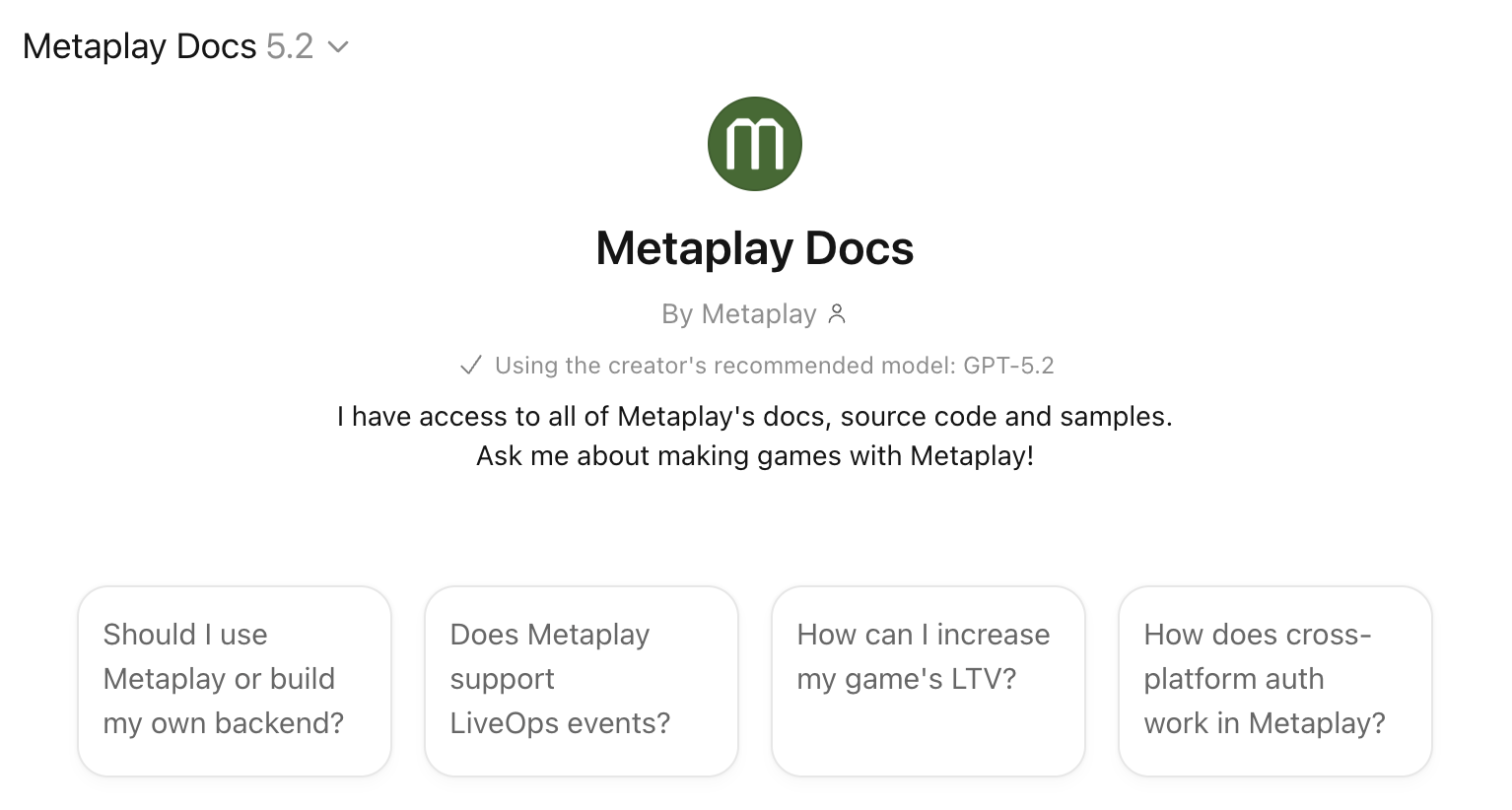
MetaplayGPT is an AI assistant built on top of ChatGPT that gives game developers instant, conversational access to the entire Metaplay game backend SDK – source code, documentation, sample projects, and technical guides. It's free, requires no setup, and runs anywhere ChatGPT does, including on your phone.
Think of it as an AI-powered search engine for game backend documentation that actually understands what you're asking. Instead of navigating hundreds of pages to find the right pattern for implementing guild gifting or IAP validation, you ask a question and get a grounded answer in seconds – referencing real source code and working sample projects.
I built MetaplayGPT because I was tired of being the human version of it. I spend a lot of my time answering questions about Metaplay – not because the answers don't exist, but because finding the right answer across thousands of source files and hundreds of doc pages is slow. A developer implementing a seasonal event system doesn't need to read about the actor model, the config pipeline, and the deployment system first. They need someone to say "here's the relevant code, here's the pattern, here's a sample that does something similar."
That "someone" used to be me, or one of a handful of engineers who've internalized the SDK. That doesn't scale. MetaplayGPT does.
How MetaplayGPT works under the hood
MetaplayGPT isn't a fine-tuned model or a RAG pipeline with vector embeddings. It's simpler than that, and the simplicity is the point.
The GPT connects to our LLM-Docs MCP server – a custom service I built in Go that exposes our entire knowledge base through search and file-reading tools. When you ask a question, the AI reasons about what information it needs, searches for it using ripgrep, reads the relevant files, and constructs an answer from actual source material.
The knowledge base includes roughly 16x more information than what's on our public docs site:
- Full SDK source code – every C# and TypeScript file, including internal implementation details
- All documentation – architecture guides, feature cookbooks, operational runbooks, migration paths
- Sample projects – Idler, Orca, and others as complete working game implementations
- Blog posts and technical guides – the "why" behind architectural decisions, not just the "what"
The key insight was that reasoning models got good enough in 2025 to use tools effectively. No semantic search indexes, no vector databases, no embeddings. The model reasons about what it needs and retrieves it on demand. The infrastructure underneath is deliberately simple – Go, ripgrep, and a filesystem.
Building a fast AI documentation search with Go and ripgrep
The first version of the MCP server ran in Node. It was painfully slow. Searching 50MB of content inside a Node process works fine for hundreds of files – we have thousands.
Switching to Go with ripgrep gave an easy 100x speed improvement. Ripgrep is absurdly fast at searching large file trees, and Go keeps the container small and the memory footprint low. The Docker image dropped to about a fifth of what Node required.
I also learned early that plain text responses work better than JSON for LLM consumption. The model doesn't care about formatting. And plain text lets me inject steering messages – things like "response truncated, use a more specific search" – that act as soft prompt injections to guide the AI's behavior. This trick alone fixed a whole class of edge cases where the model would try overly ambitious searches (like requesting every C# file in the repo) and produce garbage.
Two-tier caching handles the rest: server-side LRU cache plus HTTP ETags. Documentation doesn't change hourly, so aggressive caching (5-minute max-age, 1-hour stale-while-revalidate) costs nothing and keeps response times tight.
Lessons learned: making AI agents reliable for developer tools
Building the search infrastructure was the easy part. Making the AI behave reliably was harder – and the lessons apply to anyone building AI-powered developer tools.
Empty results break AI agents. When a search returns nothing, the AI interprets it as an error and starts hallucinating. The fix: never return empty results. Instead, return a message like "no results found – try a different query." The AI reads this, adjusts its approach, and tries again with a better search.
Limit AI agent ambition. Left to its own devices, the AI will try to read entire directories or search for extremely broad patterns. Limiting result sizes and including guidance in truncation messages keeps it focused on relevant results.
Optimize documentation for LLM consumption. Our documentation originally rendered as HTML for the website. LLMs don't need navigation menus, accessibility features, or generated section links. We built a custom pipeline that renders docs into token-efficient markdown files with hierarchical indexes. The AI navigates these indexes to find what it needs – reading the full knowledge base would blow any context window.
Test AI tools with real users, not just automated tests. Automated tests catch regressions, but discovering new failure modes took days of different people prompting the system with real questions. Internal dogfooding surfaced edge cases that no test suite would have found.
What game developers use MetaplayGPT for
After months of real usage with game studios, clear patterns have emerged: here are some real scenarios:
"How does the actor model work in Metaplay?"
A new developer joins the team. The AI searches SDK docs and source code, finds the EntityActor base class, and explains how game state flows through actors, entities, and persistence – synthesizing across multiple doc pages in one answer. What would take 30 minutes of browsing takes 30 seconds.
"How should I implement a seasonal battle pass?"
The AI identifies the relevant PlayerModel extensions, GameConfig structures for reward tiers, and PlayerActions for progression. It references the Orca sample's shop implementation as a starting pattern and links to the LiveOps dashboard docs for season management. A clear implementation plan with specific classes and working examples.
"How does the Orca sample implement its shop system?"
Instead of browsing through multiple sample projects trying to find the right file, you ask directly. The AI navigates the project structure, finds the relevant files, and explains the architecture – class relationships, data flow, and extension points.
"I'm migrating from PlayFab. What's the Metaplay equivalent of CloudScript?"
The AI understands both sides – PlayFab from its training data, Metaplay from the SDK docs. It maps concepts across platforms: CloudScript → PlayerActions, PlayFab Events → Analytics Events, Title Data → GameConfig. Works surprisingly well for studios evaluating a switch.
The audiences surprised me too. It's not just engineers. Game designers use it to evaluate whether Metaplay fits their game's economy model. Producers check it from their phones – ChatGPT's voice mode means you can literally talk to it while commuting. New team members use it to get up to speed without interrupting a senior dev.
Limitations: what MetaplayGPT can't do
MetaplayGPT knows Metaplay. It doesn't know your game. It can't read your project's code, check your production logs, or access your environments. The answers reference our SDK and sample projects – mapping that to your specific implementation is on you.
It also can't take actions on your behalf. No deployments, no config changes, no server management. For AI-powered infrastructure management, we built the Metaplay Portal MCP – which gives AI tools direct access to your live game environments.
And it will occasionally get things wrong. The answers are grounded in real source code and documentation, but AI is AI. Treat it like a very knowledgeable colleague who you still sanity-check on critical decisions.
For a deeper development workflow – where the AI reads your actual game codebase alongside Metaplay's SDK – the Docs MCP integrates the same knowledge base into Claude Code, Codex, Cursor, and other AI coding tools. That's the next level up from a chatbot.
Why high-quality SDK documentation makes AI tools better
Building MetaplayGPT reinforced a conviction I've had for a while: AI won't replace the need for great engineering and technical writing. It amplifies it.
The reason MetaplayGPT works as well as it does is that the underlying material is high quality. Comprehensive documentation, well-structured source code, working sample projects, thoughtful architecture decisions. If any of those were weak, the AI's answers would be weak too.
This is true for any game studio or platform thinking about AI-powered developer tools. The AI is only as good as the material you give it. If your docs are sparse, your code is messy, and your samples are broken, no amount of AI sophistication will produce good answers.
We made a bet years ago that shipping everything as source code – not compiled binaries behind an API – was the right call. That decision is paying off in ways we didn't anticipate. Source code with comprehensive docs is exactly the kind of structured, observable system that AI agents thrive on.
Try MetaplayGPT
Open MetaplayGPT in ChatGPT and ask it something about game backend development. No account required, no setup, works on your phone.
For the technical backstory on how the infrastructure was built, I wrote about that in Building an AI That Actually Knows Your Docs. To connect Metaplay's AI tools directly to your coding environment, see the full AI assistants setup guide.
FAQ
Is MetaplayGPT free?
Yes. It runs inside ChatGPT and requires no Metaplay account. Free ChatGPT tier works.
How current is the information?
MetaplayGPT has live access to our documentation and SDK through the MCP server – it's not trained on a static snapshot. When we update docs or ship a new SDK release, the answers reflect that.
How is this different from the Docs MCP?
MetaplayGPT is a standalone chatbot – zero setup, works in ChatGPT. The Docs MCP plugs the same knowledge into your coding tools (Claude Code, Codex, Cursor) so the AI can reference Metaplay patterns while writing your code. MetaplayGPT is for questions and exploration. The Docs MCP is for building.
Can I use it on my phone?
Yes – browser, iOS, Android. Voice mode works too.
Does it have access to my game's code or environments?
No. MetaplayGPT only knows Metaplay's SDK, documentation, and samples. For AI access to your live environments, use the Portal MCP.