

A practical guide to MetaplayGPT, the Docs MCP, and the Portal MCP – what each tool does, how to set it up, and when to use which one.
We recently published Announcing Metaplay AI, which covered the vision behind our AI suite – three layers of tools designed to help everyone on your game team. This post is the companion piece. Less "why," more "here's the URL, paste it, you're done."
Metaplay has three AI tools: MetaplayGPT for asking questions, the Docs MCP for giving your coding AI full access to Metaplay's SDK and documentation, and the Portal MCP for connecting your AI to your live game environments. This post walks through each one – what it does, how to set it up, and real prompts you can try right now.
Everything here extends our AI assistants docs page with more examples and context.
Which tool do I need?
Depends on what you're trying to do.
Ask questions about Metaplay's SDK, patterns, or architecture
MetaplayGPT
No setup needed
Give your coding AI access to Metaplay docs, SDK source, and samples
Docs MCP
~2 min setup
Let your AI inspect production logs, metrics, and manage environments
Portal MCP
~2 min setup
Dedicated Metaplay programming assistant
Metaplay Agent
Early access
You can use any of these independently. They also work well together – more on that at the end.
MetaplayGPT: The zero-setup starting point
MetaplayGPT is a custom GPT in ChatGPT with live access to all of Metaplay's documentation, SDK source code, sample projects, and blog posts. That's roughly 16x more information than just browsing the docs website. It's free, runs on your phone, and requires zero setup.
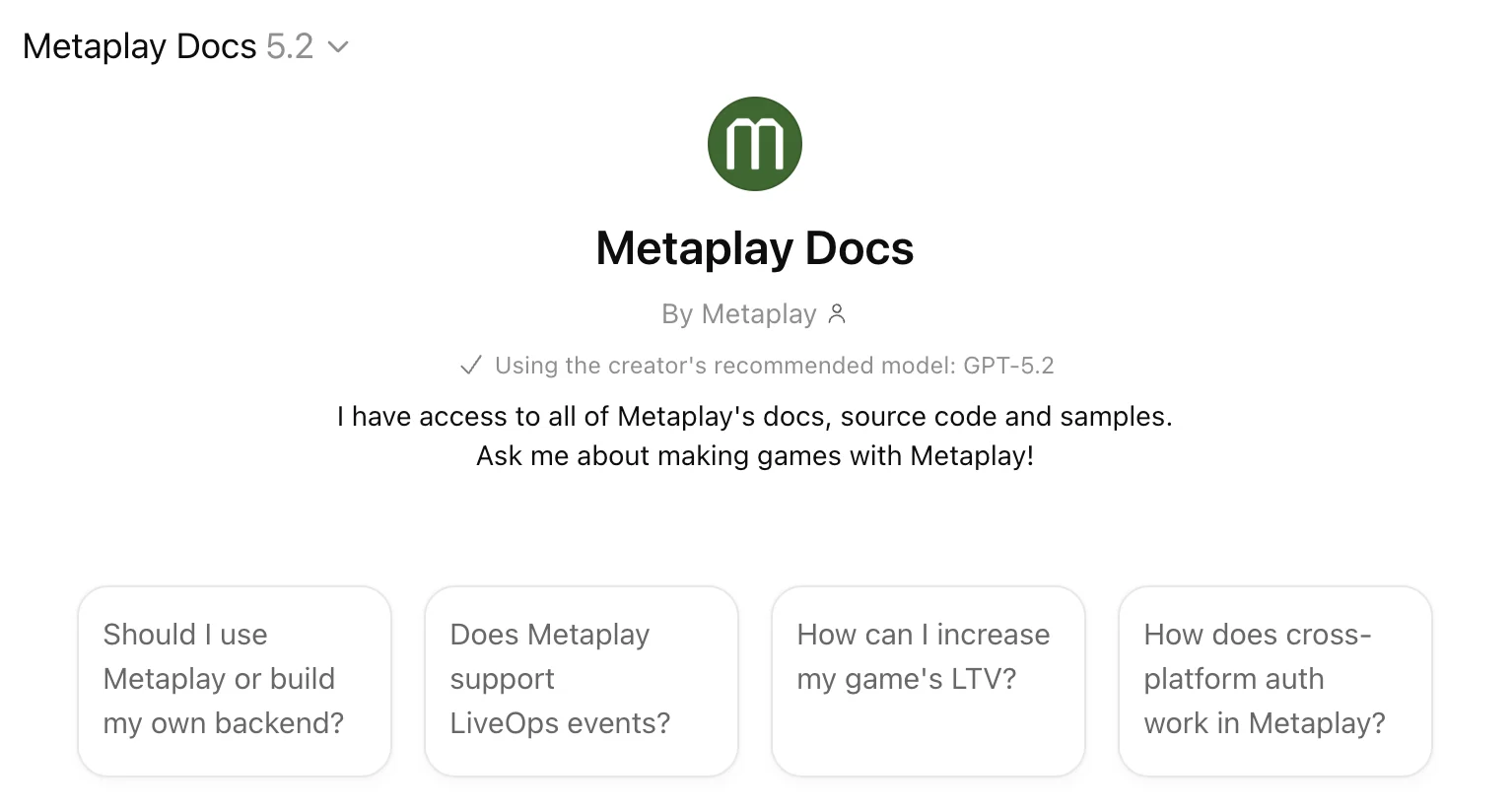
This is the tool for when you don't want to set anything up. You're evaluating whether Metaplay can handle your game's economy. You need a quick explanation of how guilds work. You're on the train and want to check something before tomorrow's standup.
Here are some prompts worth trying:
- "Does Metaplay support gacha systems with pity counters? How would I implement one?"
- "How do I set up A/B testing for an in-game offer? Walk me through the steps."
- "Which sample project shows guild functionality? What files should I look at?"
- "Explain the difference between PlayerActions and ServerActions. When do I use each?"
ChatGPT's voice mode works too – you can literally talk to Metaplay about your game while walking the dog.
One thing to know: MetaplayGPT can't access your specific game project or take actions on your behalf. It knows Metaplay inside out, but it doesn't know your codebase. For that, you need the MCP servers.
Docs MCP: Give your AI the full SDK
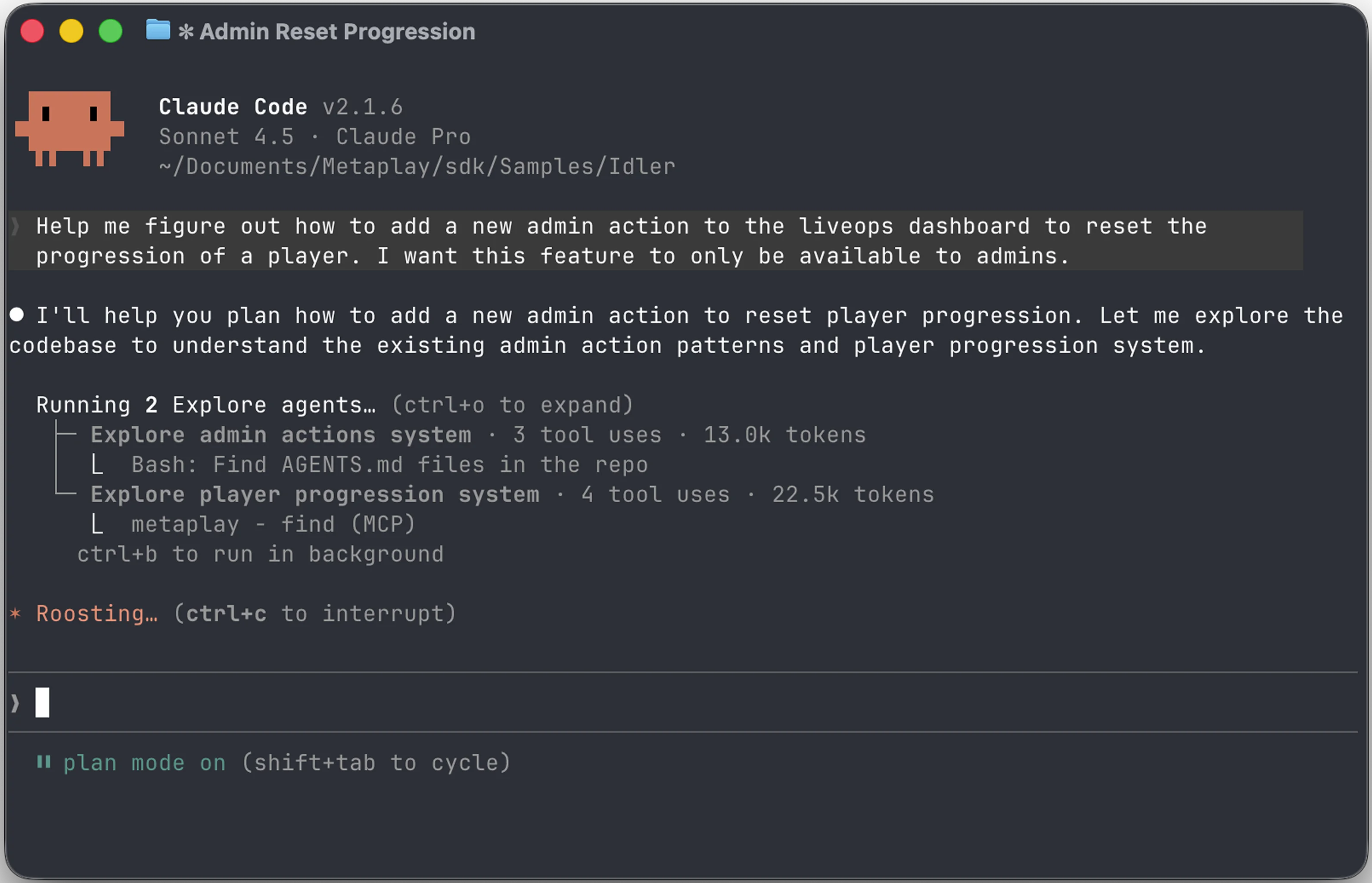
The Docs MCP connects your AI coding tools to the same knowledge base that powers MetaplayGPT – full documentation, SDK source code, and sample projects. The difference is that it works inside your development environment. When Claude Code or Codex is planning how to implement a feature, it can search the Metaplay docs and find the right patterns without you copy-pasting anything.
Setup
The MCP server URL is:
https://llm-docs.platform.metaplay.dev/mcp
Add it to whatever AI tool you use.
Claude (web, mobile, desktop): Go to Settings → Connectors, add a new connector with the URL above. Name it "Metaplay Docs."
Claude Code:
claude mcp add --transport http --scope project metaplay-docs https://llm-docs.platform.metaplay.dev/mcpOr commit a .mcp.json to your project root:
{
  "mcpServers": {
    "metaplay-docs": {
      "type": "http",
      "url": "https://llm-docs.platform.metaplay.dev/mcp"
    }
  }
}
Codex:
codex mcp add metaplay-docs --url https://llm-docs.platform.metaplay.dev/mcpOpenCode: Add to your opencode.json:
{
  "mcp": {
    "metaplay-docs": {
      "type": "remote",
      "url": "https://llm-docs.platform.metaplay.dev/mcp",
      "enabled": true
    }
  }
}
What your AI can do with it
Once connected, your AI can search and read the full Metaplay documentation, SDK source, and sample projects while working on your code. Some things to try:
- "Plan a seasonal battle pass implementation using Metaplay's patterns and the Orca sample project."
- "Search the SDK for how guild invitations work and show me the relevant code."
- "What game config patterns should I use for a daily reward calendar?"
- "Show me how the Idler sample implements in-app purchases."
This is the difference between an AI that knows C# and an AI that knows Metaplay C#. It'll reference the right base classes, follow the SDK's conventions, and point you to sample code that actually exists.
Portal MCP: Your AI meets your live game
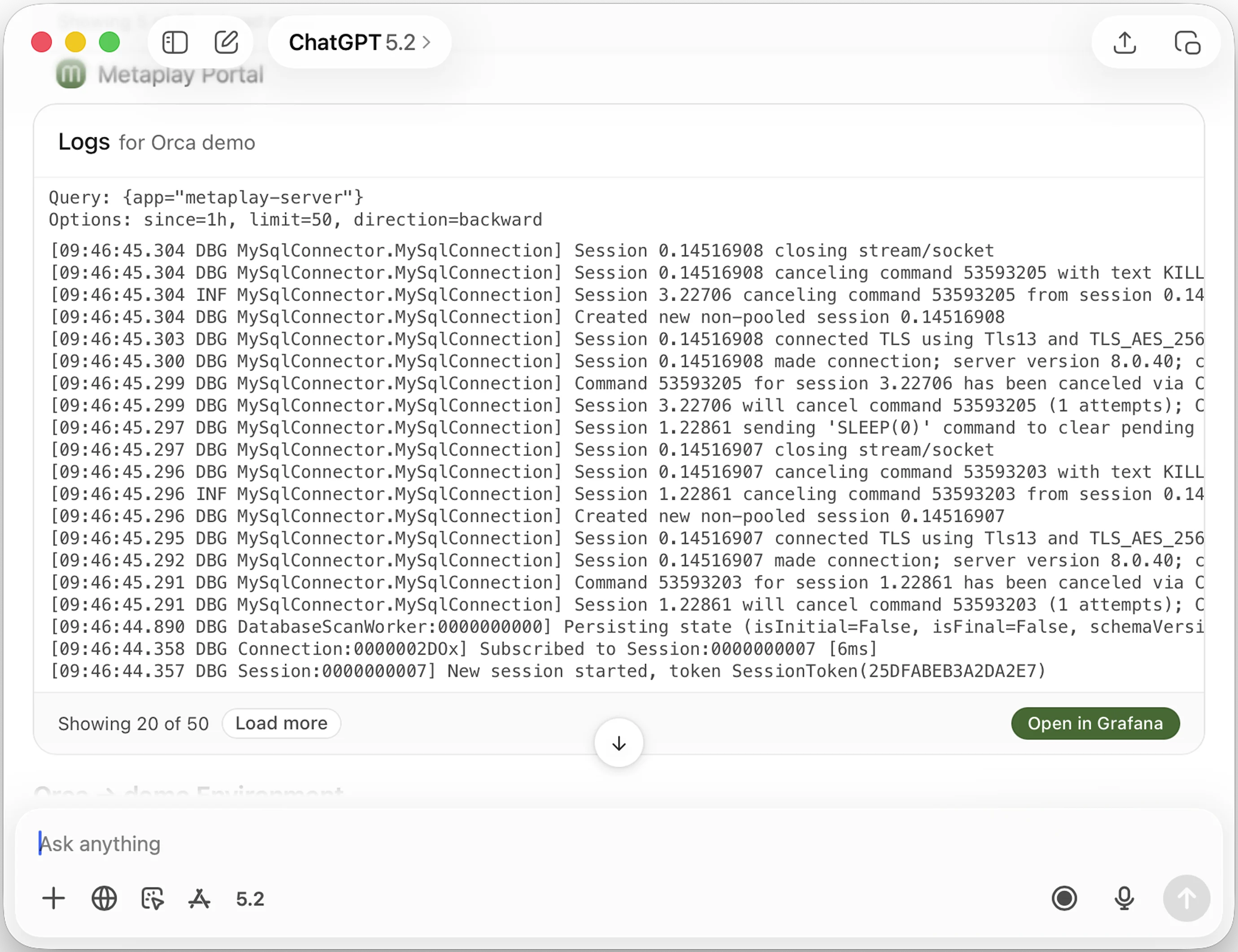
The Portal MCP goes a step further – it connects your AI tools to your actual Metaplay portal. Production logs, metrics, environments, and role management. Your AI can look at how your game is running right now, not just read docs about how it should work.
Setup
The MCP server URL is:
https://portal.metaplay.dev/api/mcp
Claude Code:
claude mcp add --transport http --scope project metaplay-portal https://portal.metaplay.dev/api/mcpOr in .mcp.json:
{
  "mcpServers": {
    "metaplay-portal": {
      "type": "http",
      "url": "https://portal.metaplay.dev/api/mcp"
    }
  }
}
Codex:
codex mcp add metaplay-portal --url https://portal.metaplay.dev/api/mcpOpenCode: Same pattern as the Docs MCP – add to opencode.json with the Portal URL.
Claude (web, mobile, desktop): Same connector flow as above. You'll authenticate once to grant access to your portal account.
What your AI can do with it
This is where it gets practical. Some real queries:
- "Show me the latest errors from our production environment in the last day."
- "Add bob@studio.com as a viewer on all environments in project Starfall."
- "List environments missing descriptions and suggest good ones for each."
- "Check CPU and memory metrics before and after today's deployment."
- "Which environments are currently in maintenance mode?"
A note on permissions
The Portal MCP respects your existing portal permissions exactly. The AI gets the same access you have – nothing more. If you can't delete an environment in the portal, neither can the AI. You can also control access to each MCP tool individually.
Putting it all together
When you connect both MCP servers to a coding agent, they complement each other. Your .mcp.json looks like this:
{
  "mcpServers": {
    "metaplay-docs": {
      "type": "http",
      "url": "https://llm-docs.platform.metaplay.dev/mcp"
    },
    "metaplay-portal": {
      "type": "http",
      "url": "https://portal.metaplay.dev/api/mcp"
    }
  }
}
Now your AI can do things like: investigate a spike in failed transactions by pulling production error logs via the Portal MCP, then read the relevant SDK source via the Docs MCP to understand the validation flow, and propose a fix grounded in actual Metaplay patterns. No tab switching, no manual log searching.
We're also building Metaplay Agent – a dedicated Claude Code plugin that combines both MCPs with deep coding capabilities. It can implement features, write tests, and open PRs using full context of your codebase, docs, and live infrastructure. It's early and experimental, but if you're interested, request access.
Get started
- Try MetaplayGPT – Open in ChatGPT (free, no setup)
- Set up the MCP servers – Full setup docs
- Request Metaplay Agent access – metaplay.io/ai/metaplay-agent (early access)
- Read the announcement – Announcing Metaplay AI
- Read the technical backstory – Building an AI That Actually Knows Your Docs
- Talk to us – Get a demo or join our Discord
FAQ
What AI coding tools work with Metaplay's MCP servers?
Claude Code, Codex, OpenCode, Cursor, Windsurf, VS Code, and any other tool that supports the Model Context Protocol. MetaplayGPT is also available as a connector in the Claude apps (web, mobile, desktop) and as a Custom GPT in ChatGPT.
Do I need to be a Metaplay customer to use these?
MetaplayGPT and the Docs MCP are available to everyone – no account needed. The Portal MCP requires a Metaplay portal account since it connects to your live environments.
Is my game data safe when using the Portal MCP?
The Portal MCP respects your existing portal permissions. The AI operates within your established access boundaries. No game data is shared with AI model providers – the MCP server acts as a secure proxy between your AI tool and your portal.
What is MCP?
MCP (Model Context Protocol) is a standard that lets AI tools connect to external data sources and services. You add a URL to your AI tool's settings, and it gains new capabilities – like searching documentation or querying production logs. Most AI tools call these "connectors" or "integrations" in their UI.
Can these AI tools make changes to my production game?
The Portal MCP can perform administrative actions you have permission for, like adding team members or updating environment descriptions. It cannot modify game configs, player data, or server settings. Always verify AI-suggested actions before confirming.