

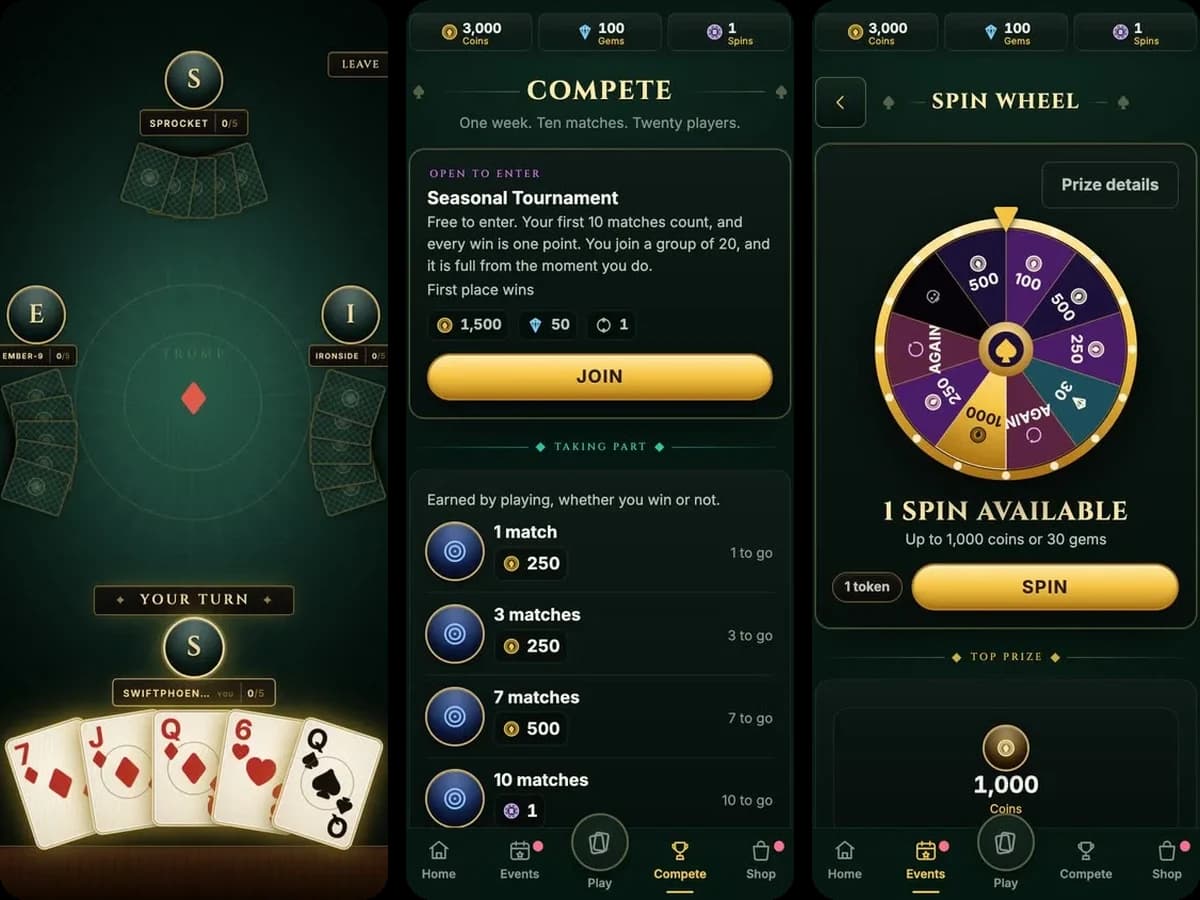
Card game
Real-time multiplayer card sample
A four-player real-time card game where the server owns every deal, with a full live-service layer around it.
Blazor WebAssemblyExplore→
Sample game
A one-button ninja autorunner that runs in the browser at 60 Hz, with the server validating every run to decide the time that counts.
Ninja Time Trial is a one-button autorunner you play in your browser. The ninja always runs forward: hold to charge a jump, let go to launch, and climb a hillside course of pits, ledges, vines and slopes in about half a minute. Every run is raced against three ghosts taken from other players' accepted runs, and your placing at each torii gate pays Orbs that buy Skills, which change how your ninja moves.
It's the sample to study if you're building a hard real-time game, like a precision platformer or a twitchy shooter. The run is simulated in the browser at 60 Hz in its own loop, outside Metaplay's player actions. That loop could be any existing real-time game plugged into a Metaplay backend. When you finish, the client sends a replay, and the server plays it through the same deterministic C# simulation, so the time that counts is the one the server computed. A run it can't reproduce is turned down with a reason the player can read.
// racing_two_ghosts_over_a_rope_bridge
A real-time loop of its own
The run is its own game, simulated at 60 Hz on its own canvas. Metaplay handles your opponents and progression around it, from matching you with ghosts at the start to validating the run and paying out Orbs at the finish line.
Each system in the game maps to a Metaplay feature. The label under each card names it and links to its page in the Metaplay docs.
After the finish, the client sends the run's ticket and everything the player pressed. The server plays that recording through the same simulation and records the time it computed, never a time the client reports. A recording it can't reproduce is rejected with a reason the player sees.
Server-authoritative game logic(Metaplay docs, opens in a new tab)The run is a fixed-step simulation that sits outside Metaplay's player model and actions, built on Metaplay's fixed-point math so it is deterministic. The same C# is compiled into the WebAssembly client and the game server, so one replay always produces the same run on both.
Deterministic shared logic(Metaplay docs, opens in a new tab)Each run starts with a short-lived ticket that names the course, the ruleset and the equipped Skill, so a recording can't be submitted twice for rewards. An accepted run is committed to the player exactly once through an ordinary player action.
Player actions(Metaplay docs, opens in a new tab)Each course has a ghost pool on the server that collects accepted runs and picks the three opponents for every run. Until enough players have run a course, scripted runners at several paces fill its pool, so a placing means something from the first run.
Custom server entities(Metaplay docs, opens in a new tab)A map registry on the server rotates which maps are in play, every four hours by default. The period is a game config value, and the registry keeps its state through restarts and redeploys.
Persisted server entities(Metaplay docs, opens in a new tab)The bot client opens a ticket, drives a full run with a scripted driver and submits the recording, so a load test exercises the same server-side replay as a person playing.
Bot client(Metaplay docs, opens in a new tab)Two steps and your coding agent has this sample running locally and can walk you through how it fits together, from the shared game logic to the game configs and the LiveOps Dashboard.
Prefer to run it by hand? The README has the commands.
$ brew tap metaplay/homebrew-tap
$ brew install metaplay$ scoop bucket add metaplay https://github.com/metaplay/scoop-bucket
$ scoop install metaplay$ bash <(curl -sSfL https://metaplay.github.io/cli/install.sh)The Ninja Time Trial sample is at https://github.com/metaplay-shared/samples/tree/main/Samples/NinjaRun. Clone https://github.com/metaplay-shared/samples, go into Samples/NinjaRun and run metaplay skills install there to install the Metaplay Agent. Open a playable version of the game locally in my browser so I can try it, then walk me through how the sample is put together.
Card game
A four-player real-time card game where the server owns every deal, with a full live-service layer around it.
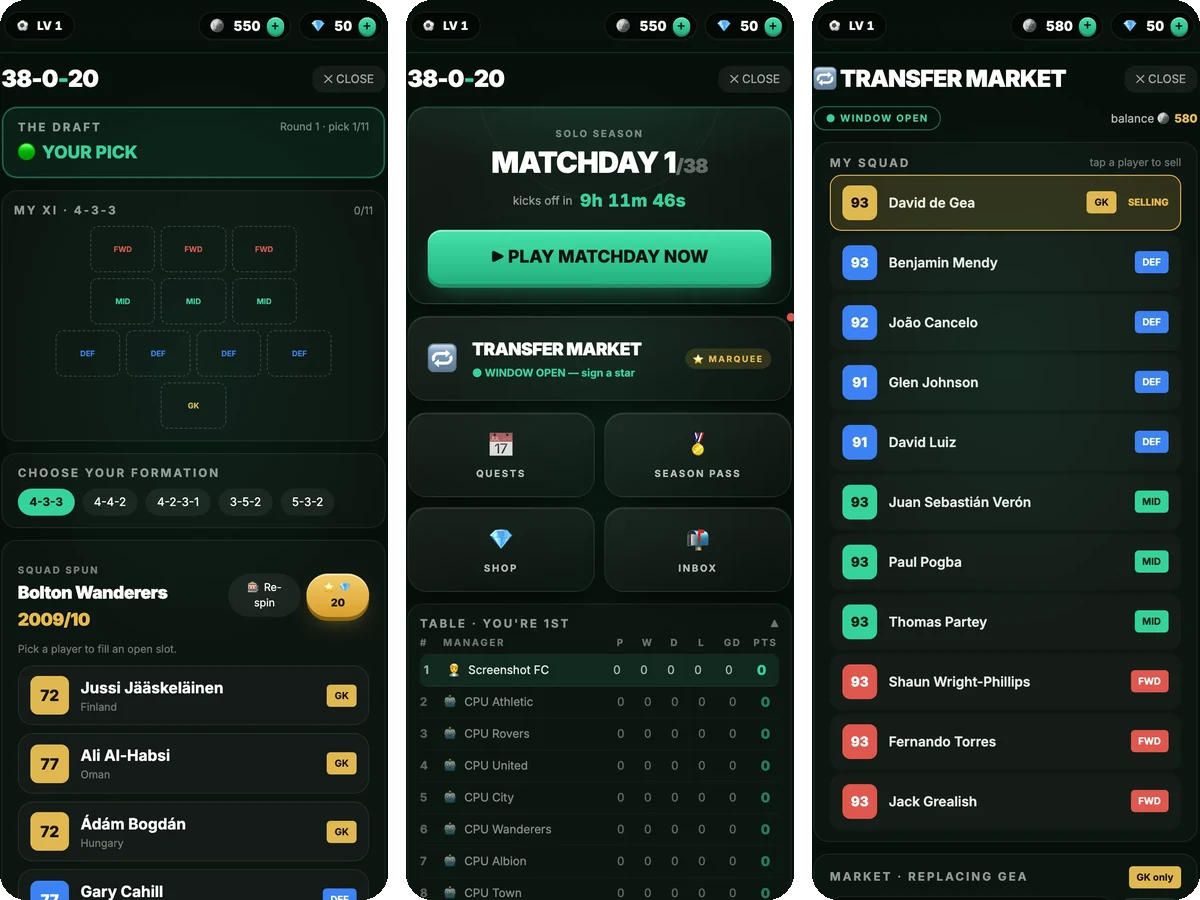
Sports management
A head-to-head football manager league for 20 friends, with the meta of a top-grossing casual game around it.
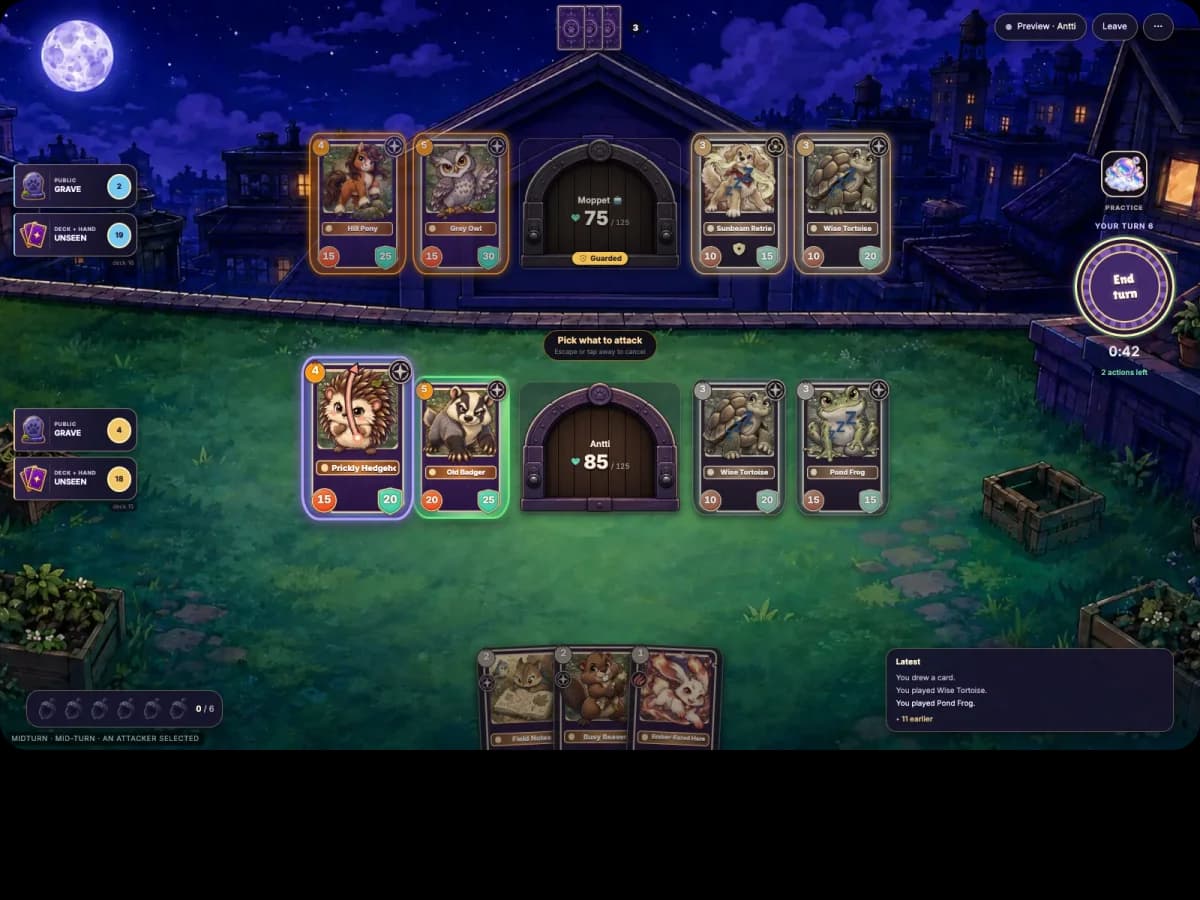
Collectible card game
A two-player PvP collectible card game where the server runs every rule and both browsers replay the same C# actions.