

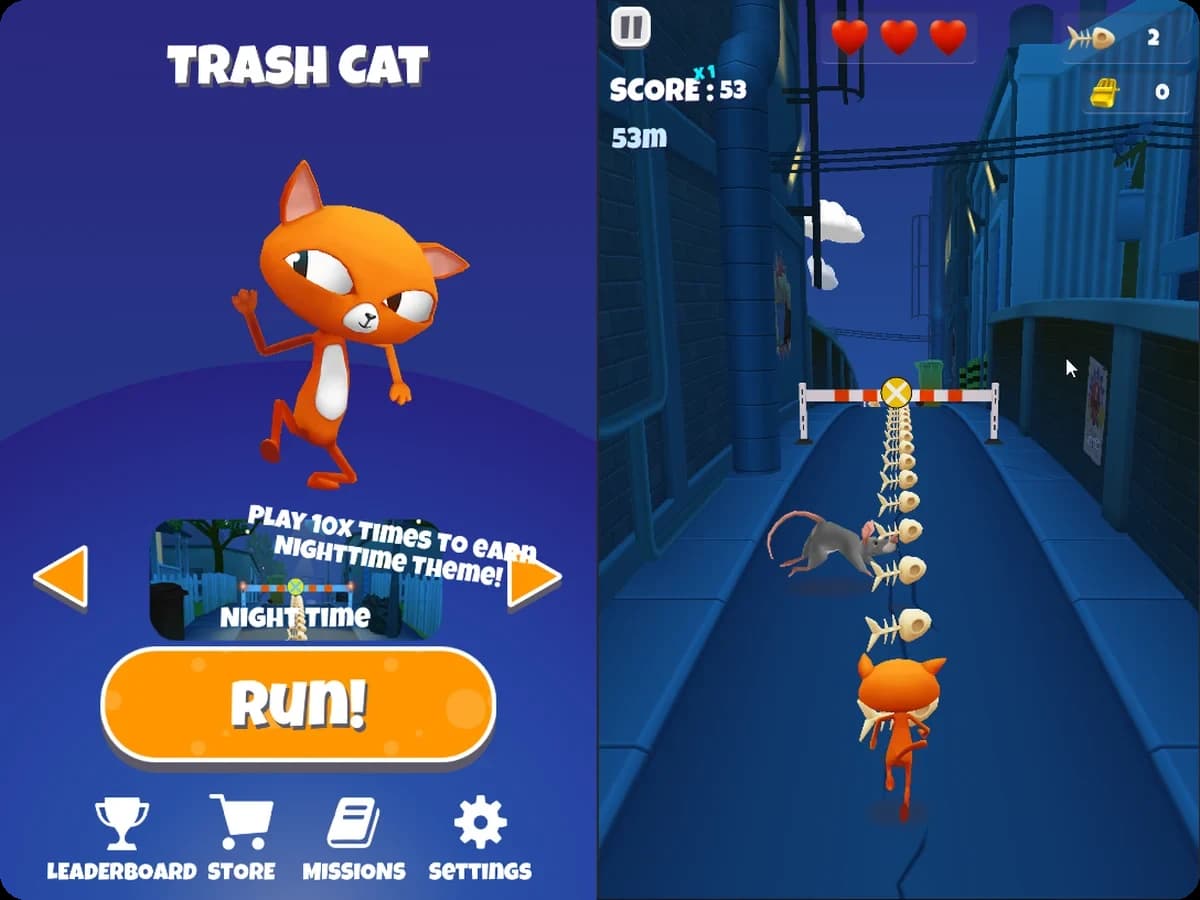
Unity sample
Endless runner
Server-authoritative endless runner sample
Unity's endless runner with Metaplay integrated, step by step.
UnityExplore→
A merge-2, story-driven Unity sample that uses the core Metaplay systems.
 Built by Metaplay team
In this Unity game you merge items to move a story forward. You can play it as an interactive demo, with the game and its LiveOps Dashboard running side by side in your browser, so you see your player, configs and events change on the dashboard as you play.
It's the one to start with if you're building a single-player game with a live economy. The item data, the story and the tutorial triggers live in game configs edited in Google Sheets, so designers can change them without a client release. Every merge and purchase is a player action that runs instantly on the device and is checked again on the server, so the economy can't be tampered with, and events, offers and A/B experiments are run from the same dashboard.
A showcase of the core Metaplay features this sample is built around, screen by screen.
Each system in the game maps to a Metaplay feature. The label under each card names it and links to its page in the Metaplay docs.
Items, merge chains, story dialogue and the tutorial are set up in Google Sheets and compiled into game configs. A trigger system in the configs decides what happens when, such as which dialogue plays after a discovery, so designers can change progression without a client release.
Game configs(Metaplay docs, opens in a new tab)Every merge, collection and purchase is a player action. It runs straight away on the device, and the server runs the same code to check it, so players get instant feedback and the economy can't be tampered with.
Player actions(Metaplay docs, opens in a new tab)The standard LiveOps Dashboard is extended with views of each player's merge board, heroes and inventory, which makes it easier to look into a player's account.
Dashboard extensions(Metaplay docs, opens in a new tab)Events, discounts and in-app purchase offers are scheduled from the LiveOps Dashboard and targeted at dynamic player segments, which players move in and out of as they play.
LiveOps events, offers and segmentation(Metaplay docs, opens in a new tab)The game configs include A/B tests on energy costs, energy regeneration and levelling speed, which are managed from the LiveOps Dashboard.
A/B testing(Metaplay docs, opens in a new tab)Two steps and your coding agent has this sample running locally and can walk you through how it fits together, from the shared game logic to the game configs and the LiveOps Dashboard.
Prefer to run it by hand? The README has the commands.
$ brew tap metaplay/homebrew-tap
$ brew install metaplay$ scoop bucket add metaplay https://github.com/metaplay/scoop-bucket
$ scoop install metaplay$ bash <(curl -sSfL https://metaplay.github.io/cli/install.sh)Clone https://github.com/metaplay-shared/orca and run metaplay skills install in that folder to install the Metaplay Agent. Run the game server locally and open the Unity project so I can try it, then walk me through how the sample is put together.
Every sample is built in-house by a small team or a single person, with the same SDK and tools that ship with Metaplay.
Metaplay team
Built in-house
Endless runner
Unity's endless runner with Metaplay integrated, step by step.
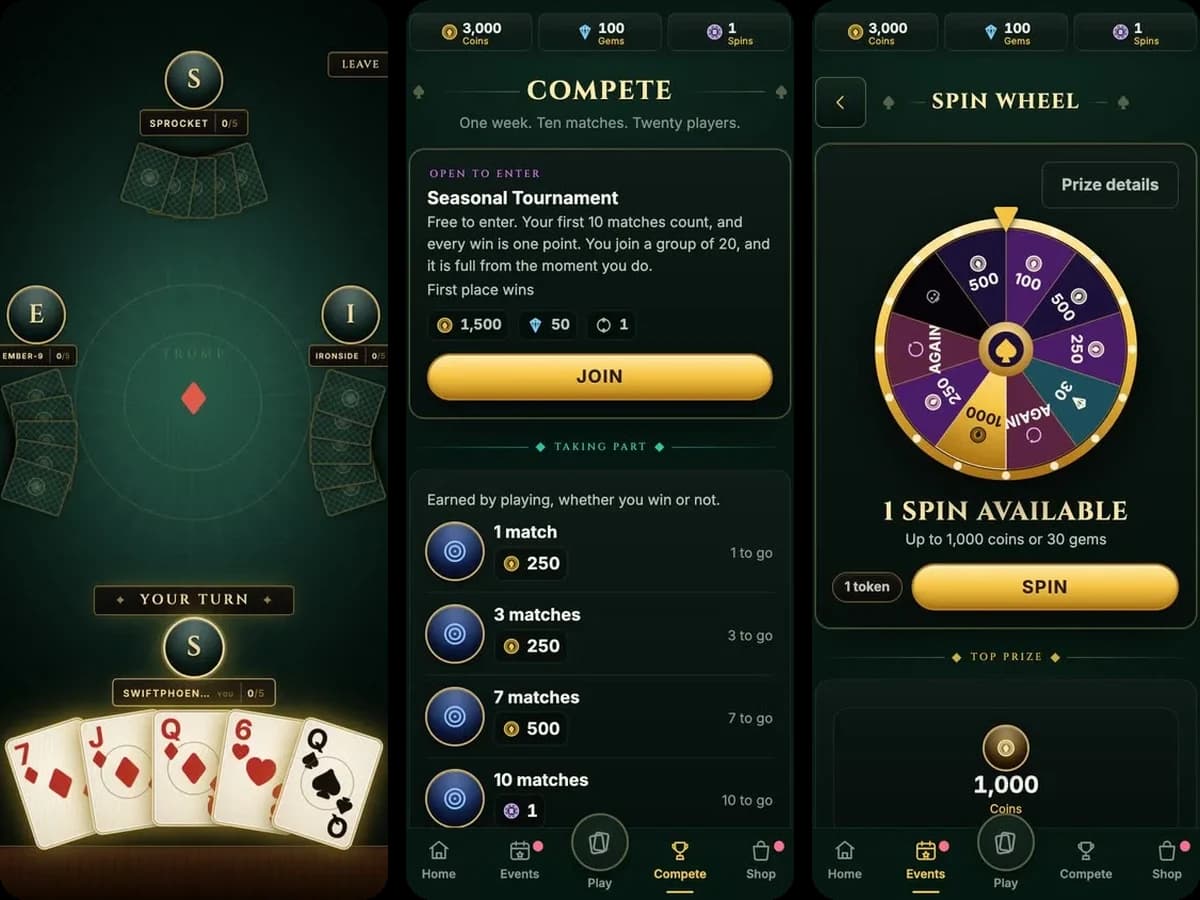
Card game
A four-player real-time card game where the server owns every deal, with a full live-service layer around it.
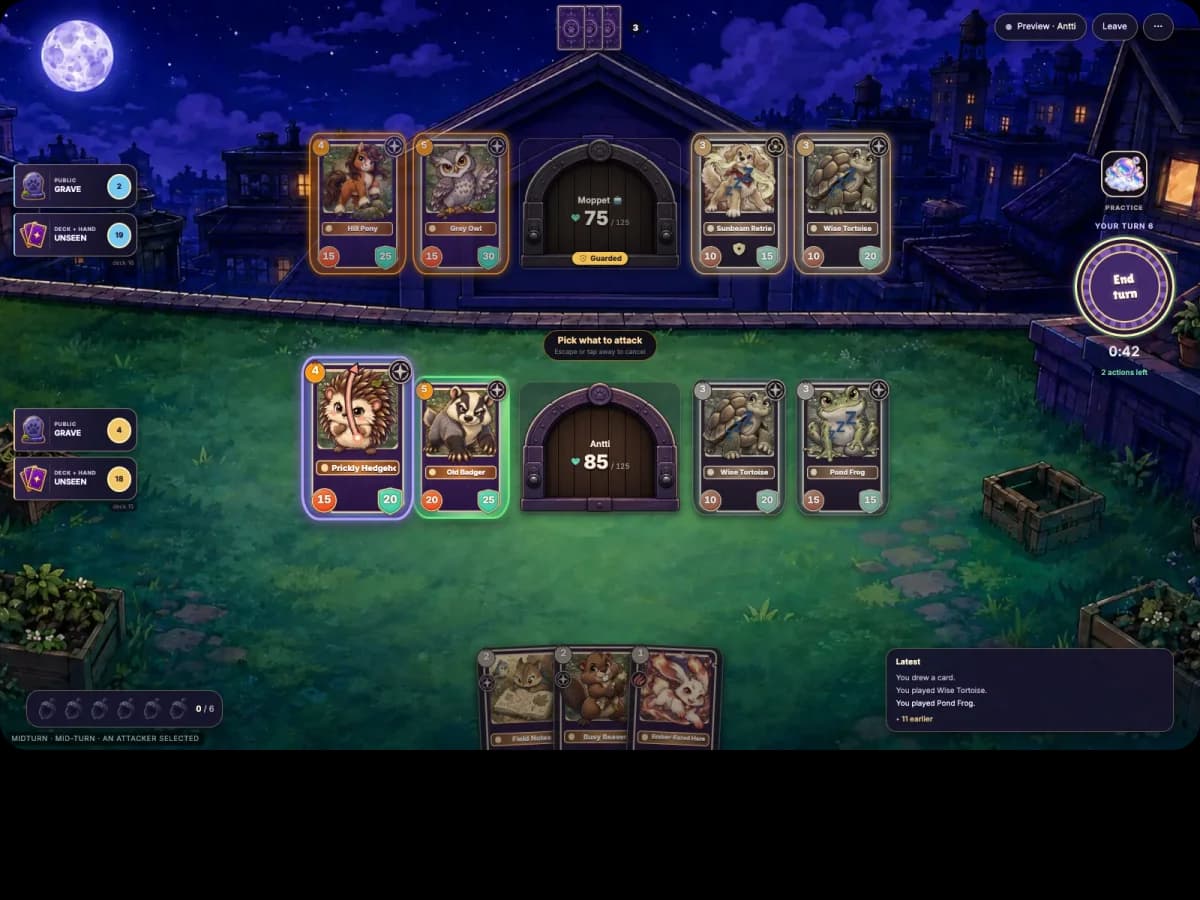
Collectible card game
A two-player PvP collectible card game where the server runs every rule and both browsers replay the same C# actions.