

Merge puzzle
Config-driven merge-2 story sample
A merge-2, story-driven Unity sample that uses the core Metaplay systems.
UnityExplore→
Unity's endless runner with Metaplay integrated, step by step.
 Built by Metaplay team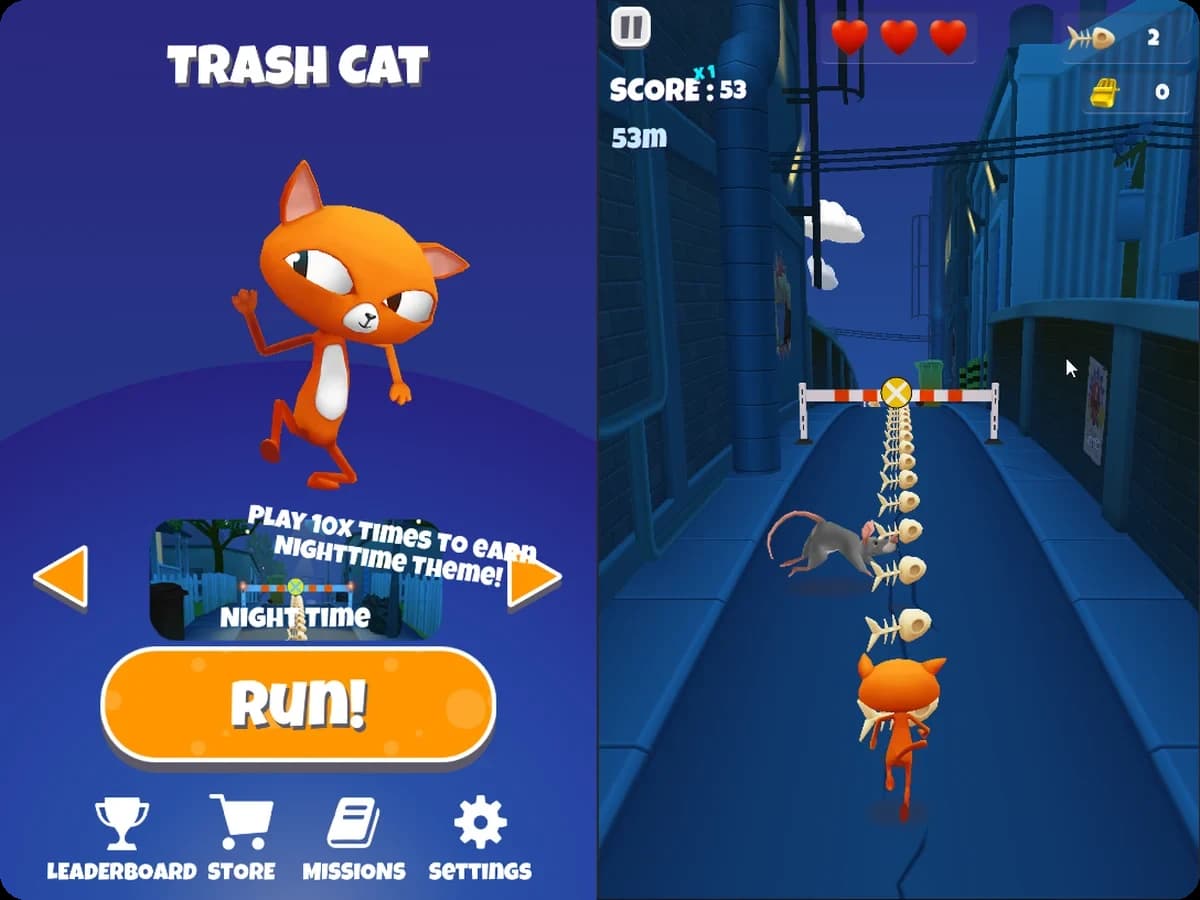
Trash Dash is Unity's endless runner sample with Metaplay added to it. If you already have a Unity game, this is the sample that shows how to bring it onto Metaplay a step at a time, without a big rewrite first. Each step is its own pull request on GitHub, and the Metaplay docs walk through the same steps as a tutorial.
Along the way, shop purchases move to the server for validation and the game economy moves into Google Sheets, so it can be changed without a client release. The sample also sets up dynamic player segments, so from the LiveOps Dashboard you can run events and A/B tests for specific groups of players, and look up any player's state in custom views built for the game.
Each system in the game maps to a Metaplay feature. The label under each card names it and links to its page in the Metaplay docs.
Unity's offline endless runner moves onto Metaplay one pull request at a time, without refactoring the original game first. The run logic stays as it was, and the docs tutorial walks through the same steps.
Integration tutorial(Metaplay docs, opens in a new tab)The runner's local save file is uploaded to the server on first login, and from then on coins, characters, themes and missions are stored there. Each completed run is reported to the server as a player action.
Player model(Metaplay docs, opens in a new tab)How often power-ups and premium currency spawn along the track, and every item in the shop, come from Google Sheets as game configs. Shop purchases are checked on the server, so a modified client can't buy items it can't afford.
Game configs(Metaplay docs, opens in a new tab)Segments group players by things like coin balance or the number of runs completed in each theme. A LiveOps event turns on the night theme for a segment, and players who complete enough runs in it unlock the theme permanently.
Segmentation and LiveOps events(Metaplay docs, opens in a new tab)Three experiments change the track configs: fewer or more power-ups to test session length, scarcer or more common premium currency to test monetization, and a balancing experiment for suspected cheaters.
A/B testing(Metaplay docs, opens in a new tab)The player page on the LiveOps Dashboard shows each player's coins and premium currency, and a custom card lists the consumables they own and how many of each.
Dashboard extensions(Metaplay docs, opens in a new tab)Two steps and your coding agent has this sample running locally and can walk you through how it fits together, from the shared game logic to the game configs and the LiveOps Dashboard.
Prefer to run it by hand? The README has the commands.
$ brew tap metaplay/homebrew-tap
$ brew install metaplay$ scoop bucket add metaplay https://github.com/metaplay/scoop-bucket
$ scoop install metaplay$ bash <(curl -sSfL https://metaplay.github.io/cli/install.sh)Clone https://github.com/metaplay-shared/trashdash-sample and run metaplay skills install in that folder to install the Metaplay Agent. Run the game server locally and open the Unity project so I can try it, then walk me through how the sample is put together.
Every sample is built in-house by a small team or a single person, with the same SDK and tools that ship with Metaplay.
Metaplay team
Built in-house
Merge puzzle
A merge-2, story-driven Unity sample that uses the core Metaplay systems.
Card game
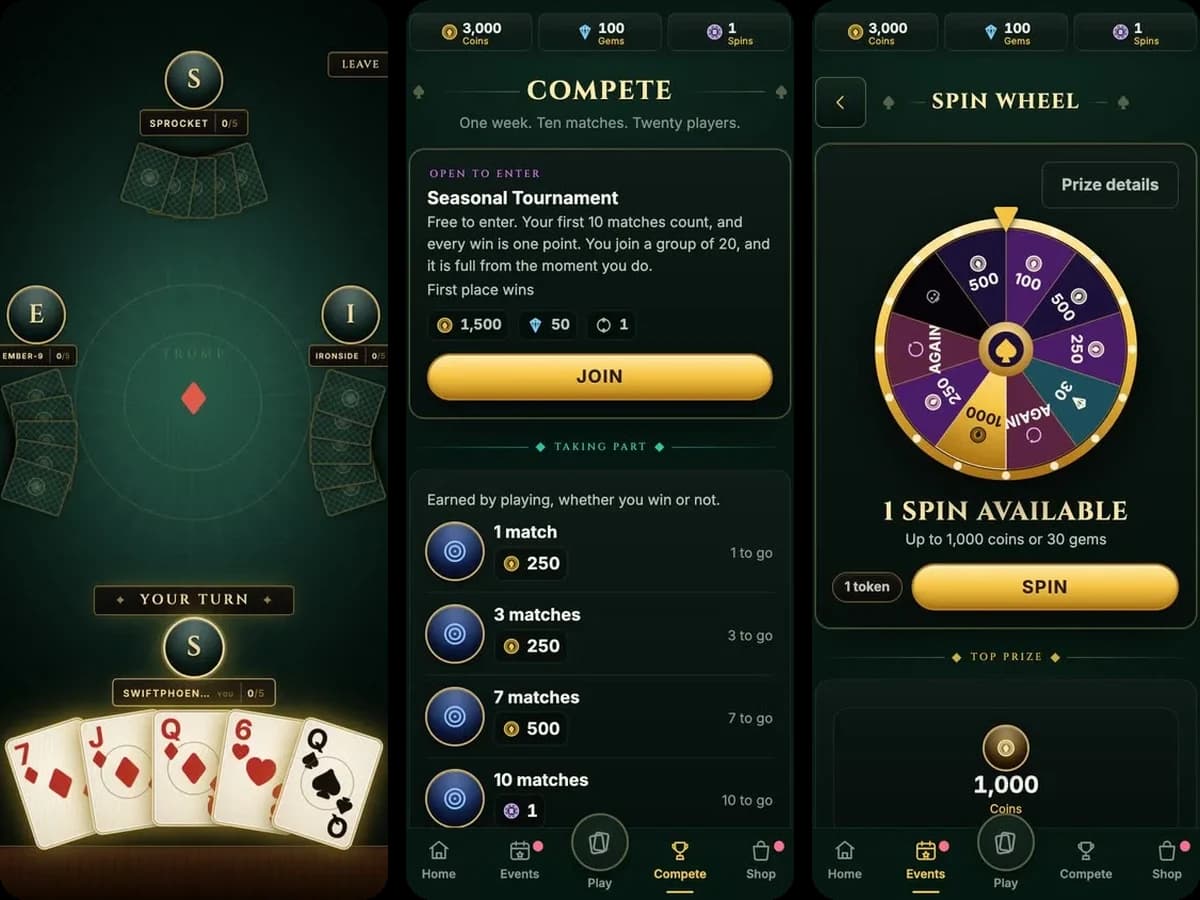
A four-player real-time card game where the server owns every deal, with a full live-service layer around it.
Collectible card game
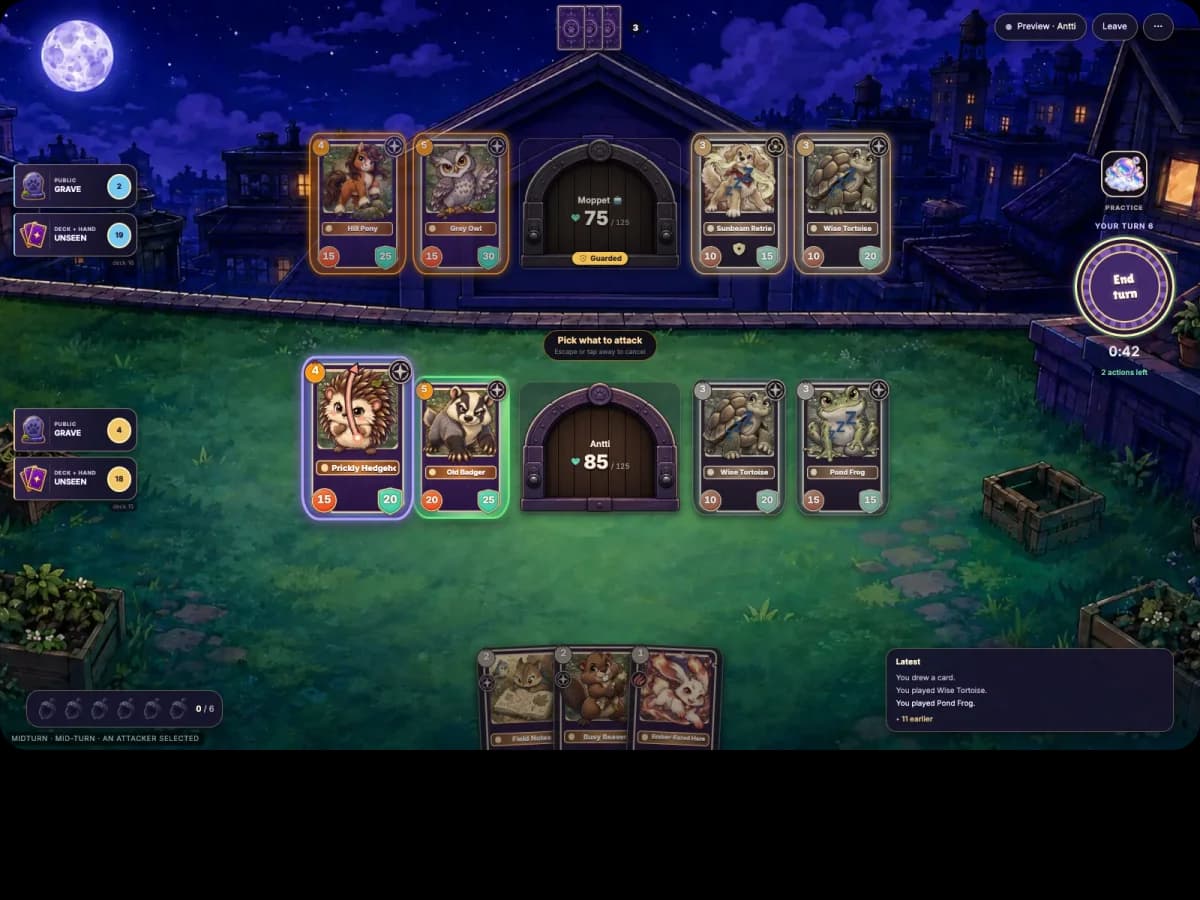
A two-player PvP collectible card game where the server runs every rule and both browsers replay the same C# actions.